Compare Ski Lesson, Rental and Lift Bundles Without Missing the Extras
A beginner ski day may be sold as one package or several separate products. To compare them fairly, put the same people, date, lesson and equipment assumptions into each quote. This guide provides an original cost worksheet and a worked comparison structure without invented market prices. The relevant amount is the provider's current final total, together with the restrictions attached to that booking.
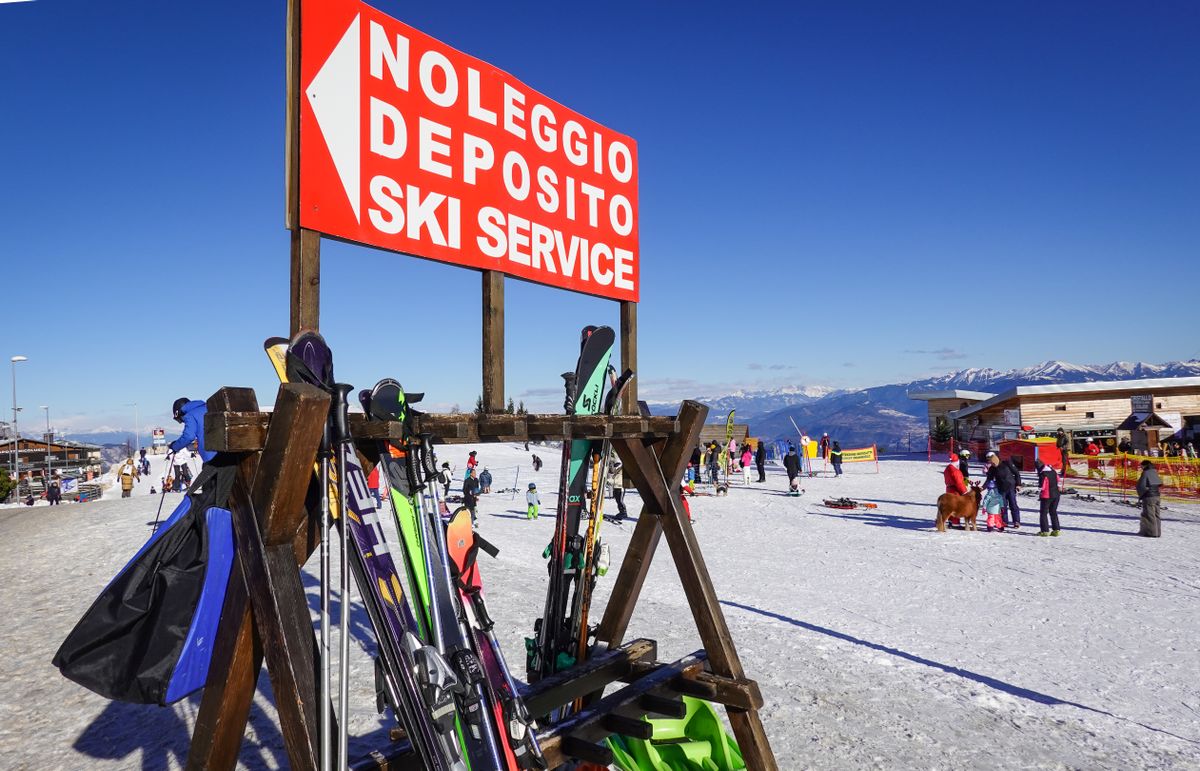
Photo: Pexels · Pexels License. Illustrative photograph of the subject; not a tested result, current condition report or endorsement. Display may crop the original.
Define one comparable ski day
Write the exact date, participant ages where relevant, experience levels and the lesson you need. Decide whether the comparison covers one day or a longer rental period, and whether transport and accommodation belong in the same decision. Keep these assumptions fixed while requesting quotes. A midweek first-timer lesson and a holiday private family session are different products, even if both appear under a learn-to-ski heading.
Give teaching, access and equipment their own rows
Create rows for the lesson, lift access, skis, boots, poles and helmet, plus any other required item. Mark each included, extra, not needed or unknown. Ask what access the lesson actually requires before adding a full-mountain ticket. If a package uses an unfamiliar phrase, request its meaning in writing. A blank cell should remain a question rather than becoming an assumed inclusion that makes the quote look cheaper.
Check duration and area limits
Record when each product starts and ends, which learning area or lifts it covers and whether equipment can be collected before the day begins. Ask about afternoon-only products and lesson-specific access only if they fit your actual schedule. A discounted ticket with an unsuitable starting time is not equivalent to access available for your morning lesson. Keep the physical collection point beside the validity details.
Add the costs around the slope
List parking or the shuttle fare, lockers, food, clothing rental if used and travel to the correct base. A package at a distant shop can add a transfer that changes both the total and the arrival timeline. Do not inflate the worksheet with unnecessary purchases, but do include items the provider says you must supply. Use your own spending ceiling and make uncertain amounts visibly separate from confirmed quotes.
Read the final checkout before comparing totals
Use the provider's actual final price for your selected date and participants, including mandatory charges shown before payment. Save the quote date, currency and any stated expiry. If one quote is in another currency, keep the original amount and make your conversion assumption explicit. Avoid presenting a promotional from-price as a confirmed total, and do not use a previous season's screenshot to settle the decision.
Put change terms beside the price
Record deadlines for cancellation or changes, the process for requesting them and what happens if the school or lift cannot operate. Different suppliers can have different terms within the same trip. Ask whether a credit, reschedule or refund applies to the exact circumstance rather than assuming these are interchangeable. An optional waiver or coverage product needs its own inclusion and exclusion questions, with the actual written terms retained.
Use a two-option example without made-up prices
Suppose Option A includes teaching, beginner access and equipment at the meeting base, while Option B sells teaching alone and requires a separate shop collection. Enter the current quotes for both and add the missing rows for B. If B remains cheaper, compare the extra journey and different change rules. The conclusion may still favor B, but the saving now has an explicit practical trade-off instead of hiding incomplete services.
Freeze the decision and retain the evidence
Before paying, confirm that the chosen quote still matches the date, level, participants and collection arrangement. Save the confirmation, inclusion list and relevant terms together. Update the trip notebook with the final amount rather than leaving the initial estimate in place. If a booking later changes, keep the earlier record and the new confirmation so you can see which parts of the plan must be coordinated again.
Your working checklist
Checkmarks stay in this browser when storage is available. They do not submit information or complete a purchase.
Put it into practice
- Define one ski day that every quote must cover.
- Mark each inclusion as confirmed, extra, unnecessary or unresolved.
- Check validity times and the physical collection journey.
- Add the surrounding travel, storage and food costs you actually expect.
- Compare final totals together with change policies and logistics.
- Save the final booking evidence and replace estimates with confirmed amounts.
Before you finish
- Compare the providers’ current final quotes using the same participants, dates and inclusions.
- Do not pay for duplicate access already included in a lesson.
- A lower total can carry a transfer or policy trade-off worth recording.
Common questions
Is a package always cheaper?
No. Compare the same date, participants and services using actual final totals. A package can be convenient without being the lowest price, and a separate booking can omit something essential.
Should I buy a seasonal pass for the discount?
Compare the full cost and restrictions against visits you realistically intend to make. Do not count speculative future trips as confirmed savings, and check whether lessons and rentals remain separate.
Can I assume closure means every booking is refunded?
No. Read each supplier's actual policy and contact it about the specific change. Accommodation, transfers, teaching and access may have different terms.
How do I record an unknown charge?
Keep it labeled unknown and ask the provider. Do not enter zero simply to complete the spreadsheet; an unresolved mandatory cost prevents a fair final comparison.